Steps to Get Started
Noncredit Students
Your Steps to Getting Started
Noncredit classes are a great way to build new skills, prepare for college, advance your career, or learn something new – all at no cost. Follow the steps below to get started.
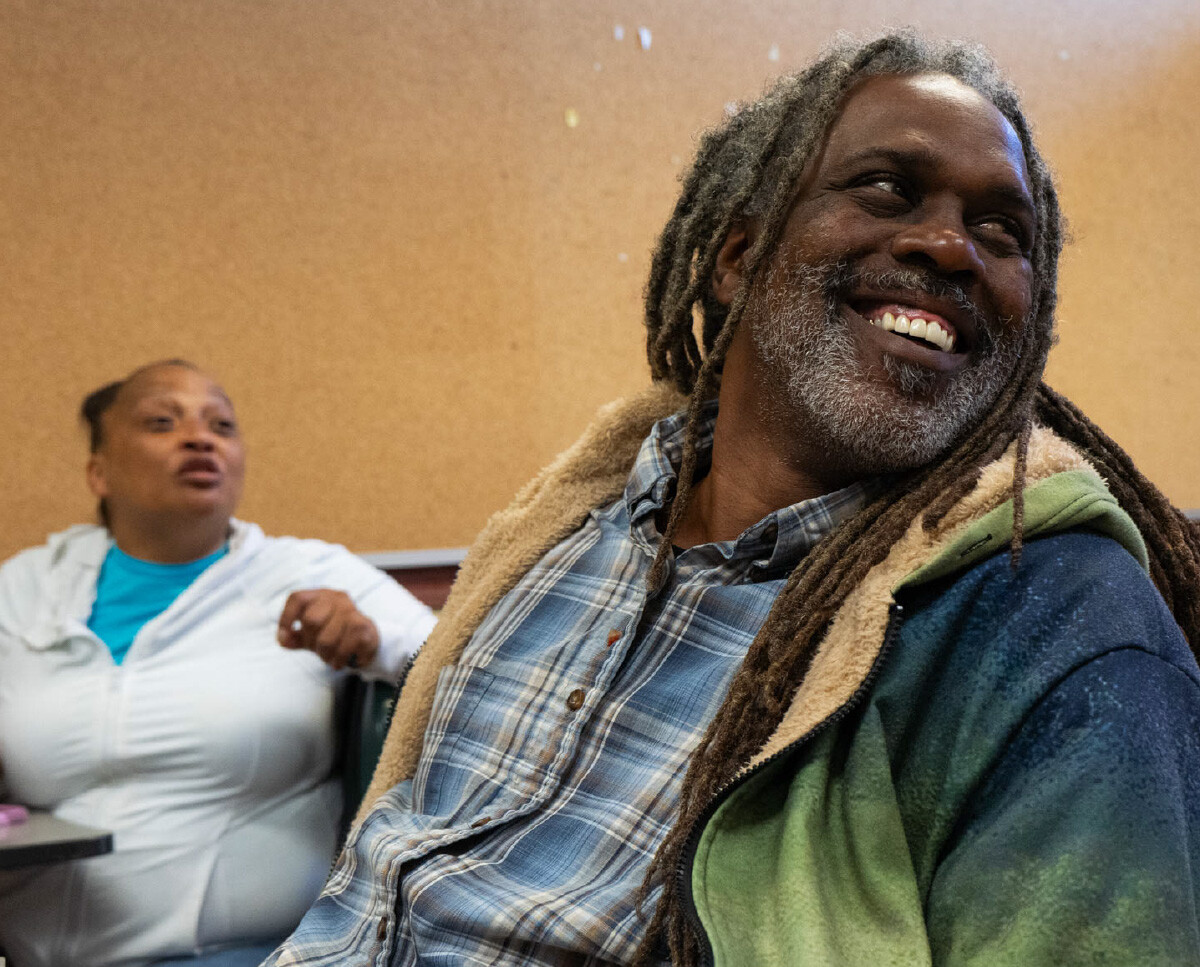
Already a BCC student? You can add noncredit classes through Campus Solutions or by speaking to a counselor for assistance.
Dreamer & Undocumented Student Support: Non-US citizens and/or non-residents may be eligible forin-state tuition as well as some financial aid through the California Dream Act. To learn more, visit the Undocumented Community Resource Center.
With noncredit classes, you can:
- Learn new skills for work, school, or personal growth.
- Improve your English language skills.
- Earn certificates in select programs.
- Prepare for college-level classes.
- Study at no cost.
How to Get Started
Curious about the programs we offer? Explore our Academic & Career Communities
1. Create an account ➜You will receive emails confirming you've opened your account - save your CCCID number – this can be used to help find your application.
2. Complete the My Journey page and choose a program
3. Complete the remaining sections and submit.
4. Check For Your Welcome Email
Within about an hour of applying, you will receive an email from the college with your new Student ID. Use it to activate your student email and portal logins — you'll need this ID for everything that follows.eralta Student ID number, student email, and login information by email. Returning students will receive a Welcome Back email wiht their existing Student ID number.
Continue Your Journey
Complete Orientation
- Complete the Orientation
- First-time college students must complete Orientation before receiving a registration appointment.
- ESOL students should complete the ESOL Orientation and Guided Self-Placement. Orientation is recommended for all new students.
Meet with a Counselor
Meet with a counselor to create your educational plan and prepare for registration.
- See a counselor to complete your Educational Plan and get English, Math, Chemistry, and other prerequisite classes cleared.
- If available, have a copy of your high school or college transcripts.
- Contact Information: berkeleycitycollege.edu/counseling
- Walk-ins: Check online for the most up-to-date drop-in hours. Counseling is located on the first (drop-ins) and second (appointments) floors near the Library.
- To explore our program & career options, visit Career Counseling.
Register for Classes
Once you've completed the previous steps, you're ready to register for classes using the Student Portal.
- Complete Orientation (first-time students).
- Complete ESOL Orientation if applicable.
- Log in to the Student Portal.
- Open the "Manage Classes" tile to search and register for your classes.
Pay Your Fees
Pay at the Cashier's Office (first floor) or go to the Financial Account Tile in Campus Solutions to pay your fees.
* To avoid being dropped from your classes, pay your tuition by the payment deadline shown in Campus Solutions.
Get Your Student ID
Bring a valid photo ID and your current class schedule to the Welcome Center to receive your BCC student ID card and semester sticker.
Get Your Books & Course Material
You can purchase your textbooks at the Peralta Campus Store either online or located at Laney College in the A Building.